


Client platform
Open a request at platform.csdynamics.gr with a description and, if possible, screenshots. You can follow the progress of your request and see your history.
We want support to be simple and fast. See how to report a problem, how we set priority and what to check before you call us.
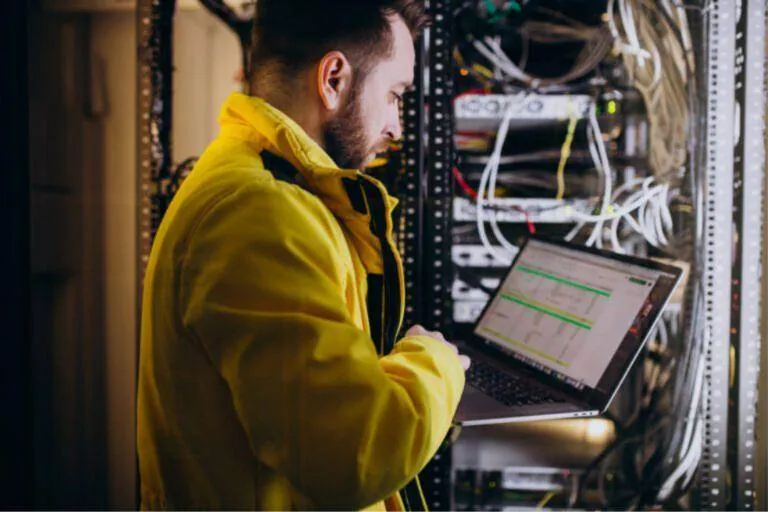
For most requests we recommend the platform, so everything is recorded in one place.
Open a request at platform.csdynamics.gr with a description and, if possible, screenshots. You can follow the progress of your request and see your history.
Call (+30) 211 003 0854 for urgent issues. If the problem stops your business from operating, please phone.
Write to info@csdynamics.gr for issues that are not urgent. Include your company name, a contact number and exactly what is happening.
Many problems are solved without a visit, through a secure remote connection to your computer. We connect only with your approval, and the session ends when the work is done.
When: The business cannot operate, or a security breach is suspected.
ExamplesThe whole network or internet is down, the server is not responding, ransomware or suspicious access to accounts, a critical cold room temperature alarm.
When: An important system has a problem or many users are affected, but the business keeps operating.
ExamplesInvoices cannot be issued or sent to myData, email is down for one department, the NVR is not recording, the website or online shop will not load.
When: A problem that affects one user or one device, with a temporary workaround.
ExamplesOne computer is slow, a printer will not print, weak Wi-Fi in one office, a problem with a Microsoft 365 app.
When: Requests not related to a fault that can be scheduled.
ExamplesA new user or new email account, software installation, a text change on the website, a question about an equipment upgrade or a quote.
Many temporary problems are fixed by restarting the computer, printer or application. If the problem comes back, note when it happens.
Make sure the devices are switched on and the network and power cables are firmly connected. Check whether the lights are on on the router, the switch or the Starlink.
Check whether only one user has the problem or everyone does. This tells us straight away whether one device or the network is at fault.
Take a photo or screenshot of the message on screen. The exact error text speeds up diagnosis a lot.
Think about whether anything happened recently: a power cut, an update, a new device or equipment being moved. The cause is often there.
If you suspect a virus or clicked a suspicious link, disconnect the computer from the network and call us immediately. Do not switch the device off before we speak.
Can't find what you're looking for? Call us or send us a message.