


Diagnostics and repair
We check drives, memory, temperatures and power with diagnostic tools. We replace the faulty part rather than the whole device, where that makes sense.
We clean, check and upgrade your computers, servers and network equipment on a fixed schedule. When something breaks, we diagnose and repair it and record every job.
Most faults give warning signs before they happen: a drive with rising SMART errors, a fan full of dust, a UPS battery that no longer holds a charge. With regular checks we spot them early and replace the part at a time that suits you.
We maintain desktop computers, laptops, servers, NAS devices, printers, UPS units, switches, routers and access points. We work with equipment from Dell, Lenovo, Cisco, MikroTik, TP-Link and other manufacturers, and we keep a history for every device.
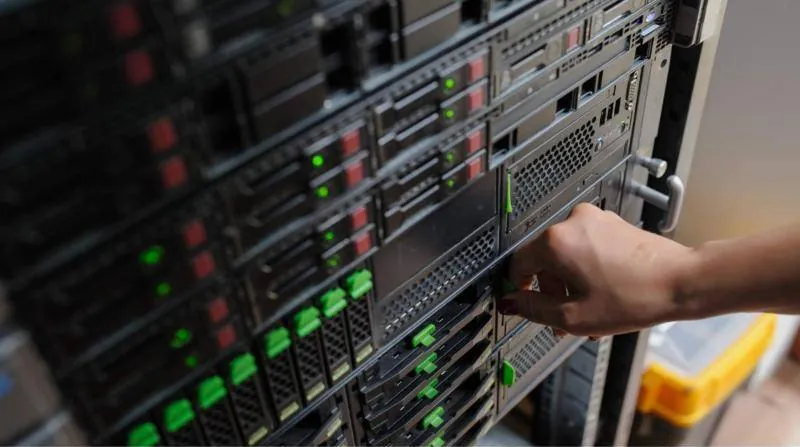
We check drives, memory, temperatures and power with diagnostic tools. We replace the faulty part rather than the whole device, where that makes sense.
Switching to an SSD or adding RAM often gives a computer a new lease of life. We tell you honestly when an upgrade is worth it and when replacement is better.
We update operating systems, drivers, BIOS and firmware on servers, NAS devices, routers and switches. Updates close known security gaps and fix bugs.
We check the condition of UPS batteries and run a switchover test. We set up servers to shut down cleanly during a long power cut.
Cleaning, adjustment and replacement of consumables and parts in printers and multifunction devices. We set up scan to folder or email so it works properly.
We record every device with its serial number, purchase date, warranty and repair history. This way you plan replacements and budget with real data.
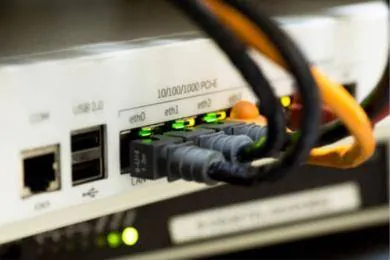
The plan is adapted to your equipment. This is an example for an office with workstations, a server or NAS and network equipment.
We visit your premises and record all devices and their condition. We note anything that needs immediate attention.
We define which tasks are done, how often and at what times. Tasks that interrupt work are scheduled outside business hours.
Software checks are mostly done remotely and hardware work on site. Small repairs happen at your premises, larger ones at our workshop.
After every visit you receive a report on what was done and what we recommend. We never go ahead with a chargeable replacement without your approval.
Once a year we go through the register together and plan upgrades. This way you avoid last-minute purchases.
Worn parts are replaced before they stop your work. Downtime becomes planned instead of sudden.
Clean, up-to-date equipment runs cooler and more reliably. Upgrades delay the need for new purchases.
With the register and annual plan you know what will need replacing and when. Spending is spread evenly over the year.
Can't find what you're looking for? Call us or send us a message.
Book an inventory visit and we will propose a maintenance schedule for your equipment.