


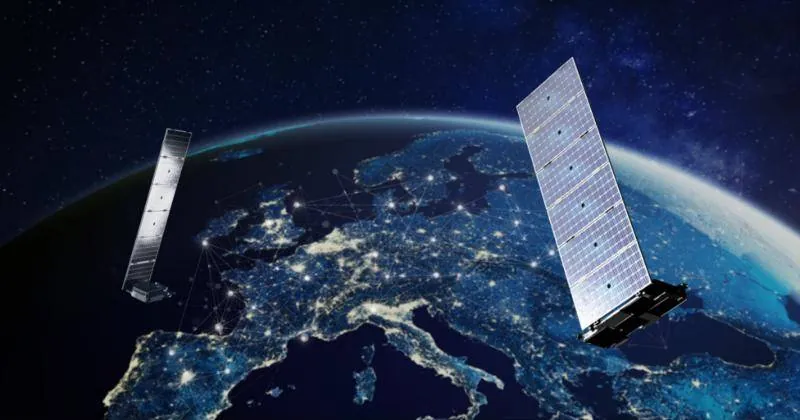
Starlink is SpaceX's satellite internet service, designed for areas where wired connections are slow or missing. Installation is fairly simple, but the same questions come up again and again. We have gathered the most common ones here.
How do I order Starlink in Greece?
You order on the official website, starlink.com. Enter the property's address, choose a plan and equipment, and pay by card. The equipment is shipped to your address and the subscription is billed monthly through your account.
Check the available plans before you order. Plans for homes, portable use and businesses have different terms, network priority and costs.
Looking for a professional Starlink installation? We handle the site survey, mount, cabling and Wi-Fi anywhere in Greece.
What does my property need?
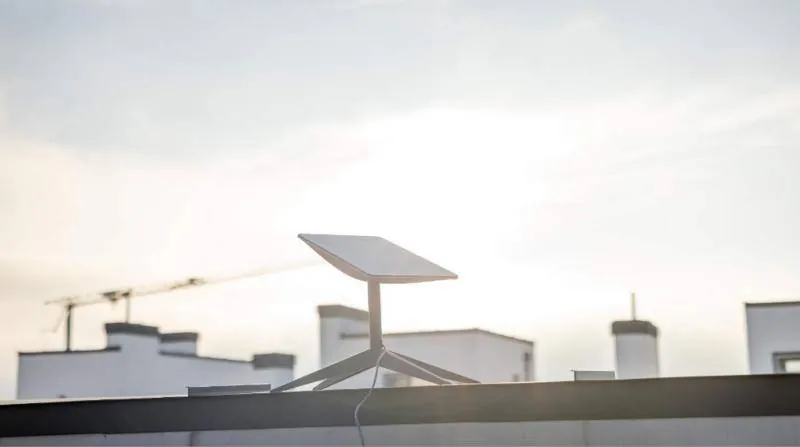
- An outdoor spot with a clear view of the sky, with no trees, buildings or chimneys blocking a large part of it.
- A power supply for the router and, through it, for the dish.
- A route for the cable from the dish to the router.
- A phone with the Starlink app for activation and setup.
Can I install it myself?
Yes, if the spot is easy to reach and the base in the box is enough, for example in a flat garden with no obstructions. The app guides you step by step. But if you need mounting on a roof, mast or wall, cable routing through walls or Wi-Fi coverage over a large space, it is safer to hand it to a technician.
How long does installation take?
A simple installation is usually done in a few hours. It takes longer when you need a metal mount, a mast, a long cable run or extra network setup, such as mesh or load balancing. A site survey before installation gives a more accurate picture.
What are the most common problems?
- Obstructions around the dish: these cause short drop-outs. The fix is usually a higher or more open spot.
- Weak Wi-Fi in rooms: the router is far away or the walls are thick. A mesh system or extra access points help.
- Loose or damaged cable: check the connectors and the route for kinks.
- Slow connection in the first few minutes: this is normal while the dish orients itself and finds the satellites.
What should I check after installation?
- That the router is connected and your devices can join the Wi-Fi.
- The app statistics: outages, obstructions and speed.
- A speed test from the rooms where you will work, not just next to the router.
- That the cable is secured and protected from sun and water.
Change the Wi-Fi name and password in the app right after activation. Use a strong password and do not share it with guests if you can give them a separate network.
Can I connect computers by cable?
Yes. Depending on the router model, you may need the Starlink Ethernet adapter or an extra router or switch. In businesses, we usually connect Starlink to a business router, so there are ports, VLANs, a firewall and, if needed, a second line.
Can Starlink be a backup connection?
Yes, and it is one of the most useful applications for businesses. With a router that supports failover, traffic switches to Starlink automatically when the main line drops. That way invoicing, telephony and cameras keep working.
Does the weather affect the connection?
Very heavy rain or a storm can reduce speed for a while or cause short drop-outs. In normal conditions the connection works as usual. Strong wind does not affect the signal, as long as the mount is solid.
Can I move the equipment?
That depends on the plan you have chosen. Some plans are tied to a specific address, while others allow use in different places. Check the terms in your account before moving the equipment, for example to a holiday home for the summer.
Do I need permission to mount it?
In a detached house, mounting on your own roof or garden is usually straightforward. In an apartment block, the roof and the facades are shared areas, so you need to agree with the building management or co-owners. For listed buildings or traditional settlements, check whether there are local restrictions on outdoor antennas.
Who supports me after installation?
For account, subscription and equipment issues, contact Starlink support through the app or your account. For mounting, cabling and indoor network issues, you can contact the technician who did the installation.
CyberSpace Dynamics offers Starlink installation packages anywhere in Greece: Basic, Advanced, Deluxe and Custom, from simple mounting to Wi-Fi mesh, load balancing and site-to-site VPN. If you have a question that is not answered here, contact us.