


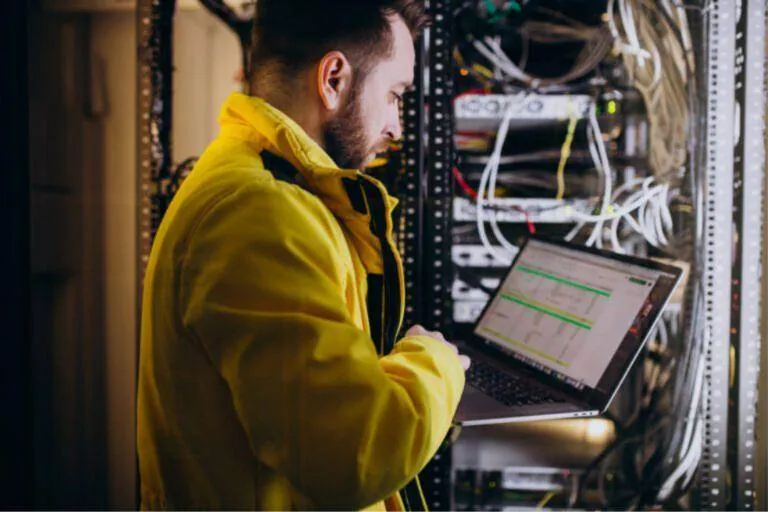
Slow internet, dropped VoIP calls, a printer that "disappears" every few days. Most of these problems are not the provider's fault but come from the way the network was set up. Below you will find the five mistakes we see most often and how to avoid them.
1. Poor or inadequate cabling
Cheap uncertified cables, runs next to power cables, kinked cables and no labelling. The result is transmission errors, lower speeds and disconnections that are hard to trace. Cabling is the hardest part to fix later, because it sits inside walls and suspended ceilings.
- Use certified Cat6 or Cat6a cable, depending on your needs and the distances.
- Keep away from power lines and run cables in trunking or conduit.
- Label every cable at both ends with the same code.
- Test every run with a tester and keep the results.
2. No design or topology
When a network grows "however it turns out", with a switch here and a router there, it soon becomes a tangle. Bottlenecks multiply and every fault or upgrade takes a long time. A network needs a plan before the first cable goes in.
- Draw a topology diagram with all active devices and connections.
- Split traffic with VLANs: staff, guests, cameras, telephony.
- Leave free space in the rack and free ports for future expansion.
- Terminate cabling on a patch panel, not directly on the switch.
Keep the diagram and the port list in a shared document and update it with every change. The next technician will solve the problem in half the time.
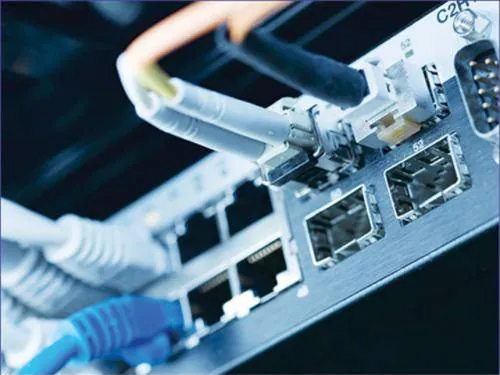
3. Weak or no security
A router with the manufacturer's password, one Wi-Fi for everyone with the same password for years, no separation between guests and staff. A network like this is an open door to breaches and data leaks. For the business it also means legal risk under GDPR.
- Strong Wi-Fi encryption (WPA3, or at least WPA2 with a strong password).
- A separate guest network, isolated from company systems.
- A firewall with rules and a VPN for remote access.
- Change all default passwords and turn on logging and alerts.
4. Overloaded equipment
A home router is not designed for twenty users, cameras, phones and cloud applications at once. When it reaches its limits, connections drop, video calls freeze and users blame the internet. The fix is equipment that matches the load.
- Managed switches and business access points from manufacturers such as Cisco, MikroTik or TP-Link.
- QoS so that voice and video calls get priority.
- Traffic separated by VLAN and SSID.
- PoE switches with enough power budget for cameras and access points.
5. No maintenance or monitoring
Many networks are set up and forgotten. Firmware is never updated, there is no copy of the settings and faults only show when work stops. Prevention costs less than an emergency call-out.
- Regular firmware updates on routers, switches, firewalls and access points.
- Monitoring tools such as Zabbix or PRTG, with alerts for outages and overload.
- Copies of each device's settings after every change.
- Preventive checks at regular intervals, for example every quarter.
If your network relies on a single router or line, consider a second connection with automatic failover. Even a 4G/5G router or a Starlink can keep the business running.
Why you need experienced technicians
A reliable network requires knowledge of protocols such as TCP/IP, DHCP and DNS, and experience in diagnosing problems. A good technician designs for today's needs but leaves room for growth. The result is a network that runs steadily and expands without being rebuilt from scratch.
A quick self-check
- Do you know where every network device is and who has its passwords?
- Are the cables in the rack labelled?
- Do guests connect to a separate Wi-Fi network?
- Has the router firmware been updated in the last year?
- If the internet line goes down, is there an alternative?
If you answered "no" to two or more questions, a check by a technician is worthwhile.
Most of these issues can be fixed without rebuilding the whole network. Often the right settings, a managed switch and a little order in the rack are enough.
Want a network you do not have to think about?
CyberSpace Dynamics designs, installs and maintains business networks, from structured cabling and the rack to Wi-Fi, VLANs and the firewall. If you recognised any of these mistakes in your own premises, contact us for a check of your network.